Turn on two-factor authentication
Written By BildrX
Last updated 6 days ago
Your cap table, investor pipeline, and legal documents live in BildrX. Two-factor authentication (2FA) means a stolen password isn't enough to get in.
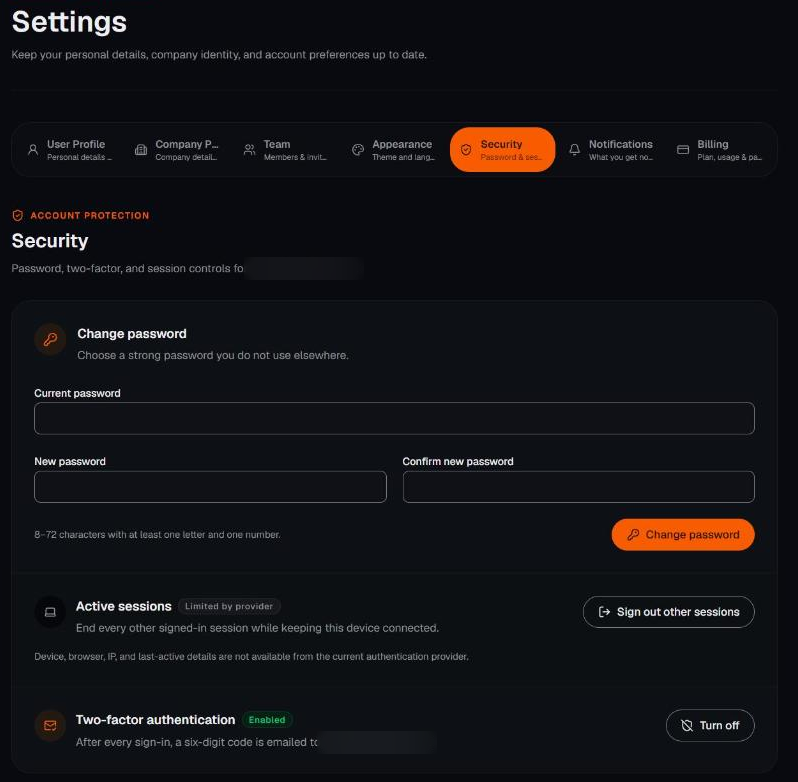
BildrX uses email 2FA: after every sign-in, we email a six-digit code to your account email.
Turn it on: Settings → Security → Enable two-factor authentication, then enter the emailed code to confirm.
No code? Wait a minute and check spam. Codes expire after 10 minutes and can only be used once. Request a fresh one from the log-in screen.
Lost access to your email? Email support@bildrx.com from another address. We'll verify who you are before restoring access.